🚀 The Full-Stack JavaScript Bootcamp
Fourteen weeks, one language, end to end. Start with a blank HTML file and finish able to design, build, test, containerize, and deploy production-grade full-stack applications — all in JavaScript.
📚 About This Course
This is a project-driven bootcamp built the way real teams work: short daily lessons (about an hour each), a hands-on build every weekend, and a steadily rising challenge curve. You will not just read about the tools — you will use them, break them, and understand why they work.
Each week is organized into Monday–Friday sessions of three focused lectures, capped by a weekend project that ties the week together. By the end you will have built portfolios, weather apps, React SPAs, REST APIs, authenticated full-stack apps, containerized services, and more.
What You'll Learn
- Modern HTML, CSS, and JavaScript — semantics, layout, and the language itself
- React from first principles through hooks, routing, and Redux state management
- Node.js & Express for building robust REST APIs
- Databases — both SQL (PostgreSQL) and NoSQL (MongoDB/Mongoose)
- Authentication, security, testing, Docker, CI/CD, and cloud deployment
- Advanced architecture: microservices, GraphQL, PWAs, and WebAssembly
Who This Course Is For
- Beginners who want a structured, complete path into web development
- Self-taught developers filling gaps across the full stack
- Anyone preparing for a junior full-stack or front-end role
📖 Course Modules
14 weeks · 224 lessons. Click a week to expand its daily schedule.
Week 1: Web Foundations

HTML, CSS, and your first taste of JavaScript — plus the tools every developer uses daily.
- Monday: Course Introduction & Development Environment
- Course overview and objectives
- Installing VS Code and essential extensions
- Setting up Git and GitHub
- Tuesday: HTML Fundamentals
- HTML document structure
- Essential HTML elements and semantic markup
- Forms and input types
- Wednesday: CSS Basics
- CSS syntax and selectors
- Box model and positioning
- Colors, typography, and basic styling
- Thursday: CSS Layout
- Flexbox fundamentals
- CSS Grid basics
- Responsive design principles
- Friday: Introduction to JavaScript
- JavaScript basics: variables, data types, operators
- Control structures: conditionals and loops
- Functions and scope
- Weekend Project
- Build a responsive portfolio website with HTML, CSS, and basic JavaScript interactivity
Week 2: JavaScript Deep Dive

Arrays and objects, the DOM, events, asynchronous code, and error handling.
- Monday: Arrays and Objects
- Working with arrays
- Object literals and properties
- Array methods (map, filter, reduce)
- Tuesday: DOM Manipulation
- Selecting DOM elements
- Modifying elements and attributes
- Creating and removing elements
- Wednesday: Events and Event Handling
- Event listeners and handlers
- Event propagation and delegation
- Form events and validation
- Thursday: Asynchronous JavaScript
- Callbacks and the event loop
- Promises
- Async/await
- Friday: Error Handling and Debugging
- Try/catch blocks
- Debugging with Chrome DevTools
- Common JavaScript errors and solutions
- Weekend Project
- Build a weather application using a public API
Week 3: Modern JavaScript & Tooling
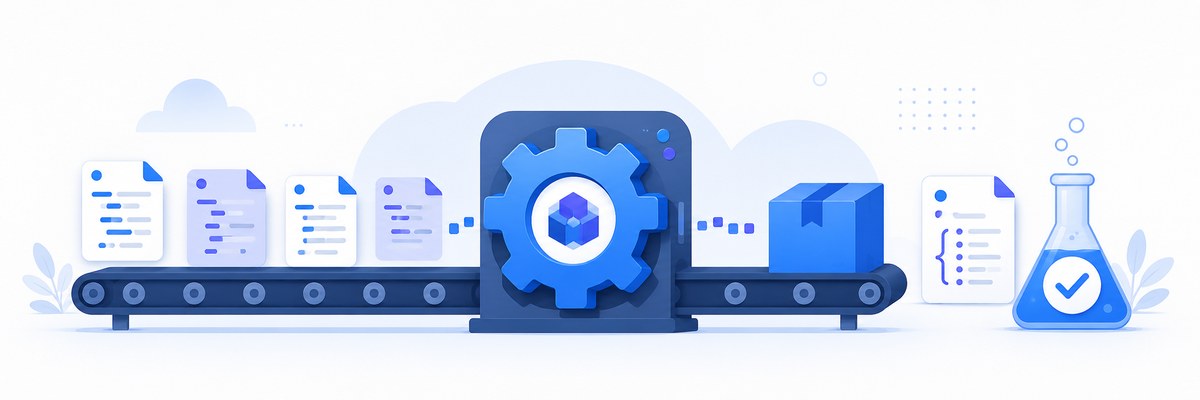
ES6+ features, NPM, module bundling with Webpack, Babel, and automated testing.
- Monday: ES6+ Features
- Arrow functions and template literals
- Destructuring and spread operator
- Classes and modules
- Tuesday: NPM and Package Management
- Introduction to NPM
- Package.json and dependency management
- Creating and publishing packages
- Wednesday: Webpack Basics
- Module bundling concepts
- Webpack configuration
- Loaders and plugins
- Thursday: Babel and Transpilation
- JavaScript transpilation concepts
- Configuring Babel
- Browser compatibility
- Friday: Testing Fundamentals
- Introduction to Jest
- Writing unit tests
- Test-driven development basics
- Weekend Project
- Create a modern JavaScript application with Webpack, Babel, and tests
Week 4: React Fundamentals
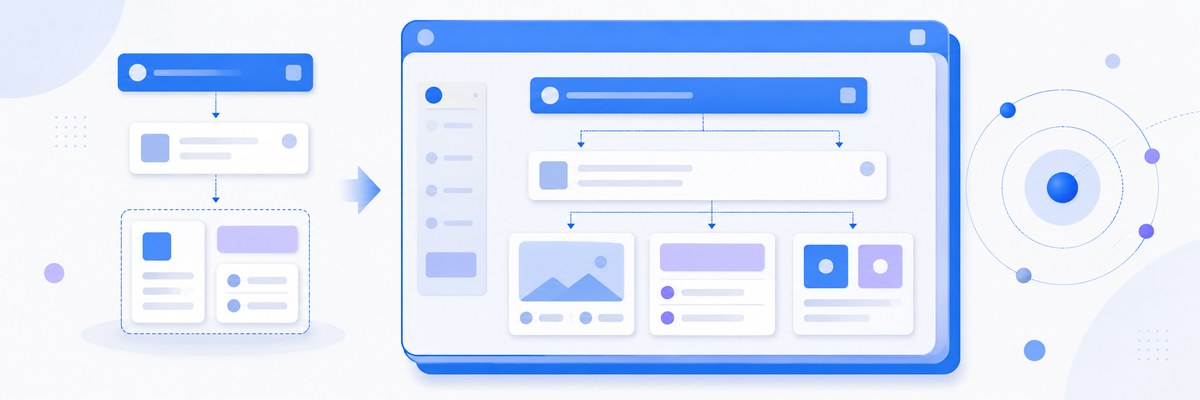
Components, JSX, props, state, events, lists, and conditional rendering.
- Monday: React Fundamentals
- What is React and why use it?
- JSX syntax
- Components and props
- Tuesday: State and Lifecycle
- useState hook
- useEffect hook
- Component lifecycle
- Wednesday: Handling Events in React
- Event handling in React
- Synthetic events
- Forms in React
- Thursday: Lists and Conditional Rendering
- Rendering lists with map
- Keys in React
- Conditional rendering patterns
- Friday: Component Composition
- Composition vs inheritance
- Children props
- Higher-order components basics
- Weekend Project
- Build a React todo application with CRUD operations
Week 5: Advanced React
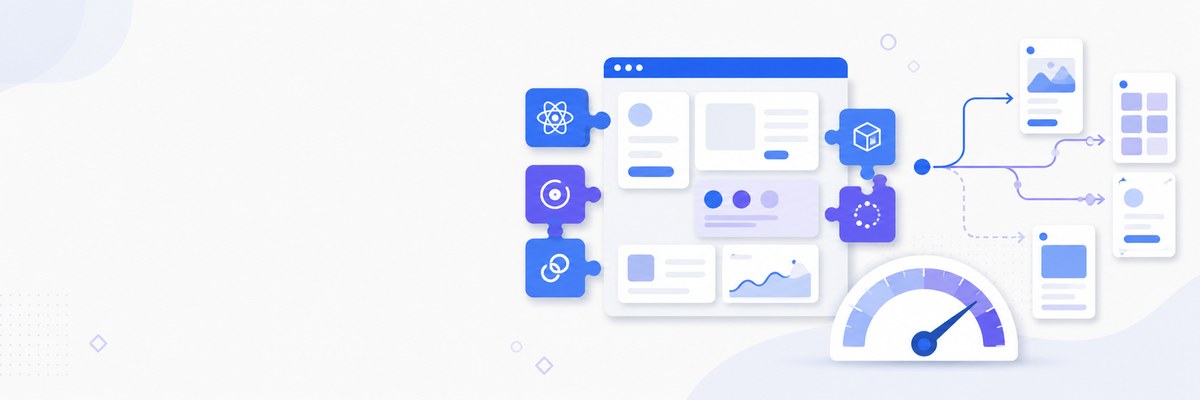
Hooks in depth, routing with React Router, performance optimization, and testing.
- Monday: React Hooks Deep Dive
- useContext hook
- useReducer hook
- Custom hooks
- Tuesday: React Router
- Client-side routing concepts
- Route configuration
- Navigation and links
- Wednesday: Advanced Routing
- Nested routes
- Route parameters
- Programmatic navigation
- Thursday: Performance Optimization
- React.memo and useMemo
- useCallback hook
- Code splitting and lazy loading
- Friday: Testing React Components
- React Testing Library basics
- Testing hooks and async code
- Integration testing
- Weekend Project
- Build a multi-page React application with routing and performance optimizations
Week 6: State Management with Redux
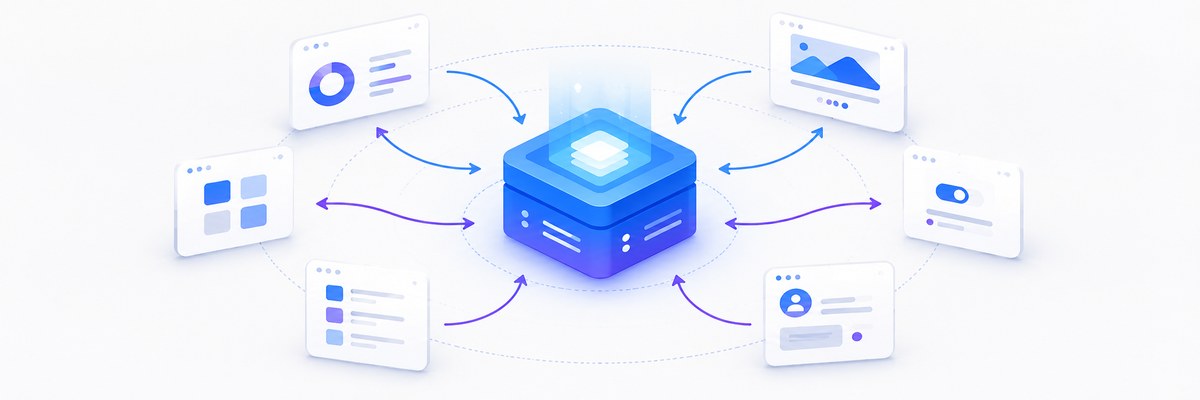
Actions, reducers, the store, middleware, and Redux Toolkit.
- Monday: Redux Fundamentals
- Redux principles and architecture
- Actions and action creators
- Reducers
- Tuesday: React-Redux Integration
- Connecting Redux to React
- useSelector and useDispatch hooks
- Provider component
- Wednesday: Redux Middleware
- Understanding middleware
- Redux Thunk for async actions
- Custom middleware
- Thursday: Redux Toolkit
- Introduction to Redux Toolkit
- createSlice and createAsyncThunk
- RTK Query basics
- Friday: Advanced Redux Patterns
- Normalized state structure
- Selectors and reselect
- Redux DevTools
- Weekend Project
- Build a Redux-powered e-commerce shopping cart
Week 7: Backend with Node & Express
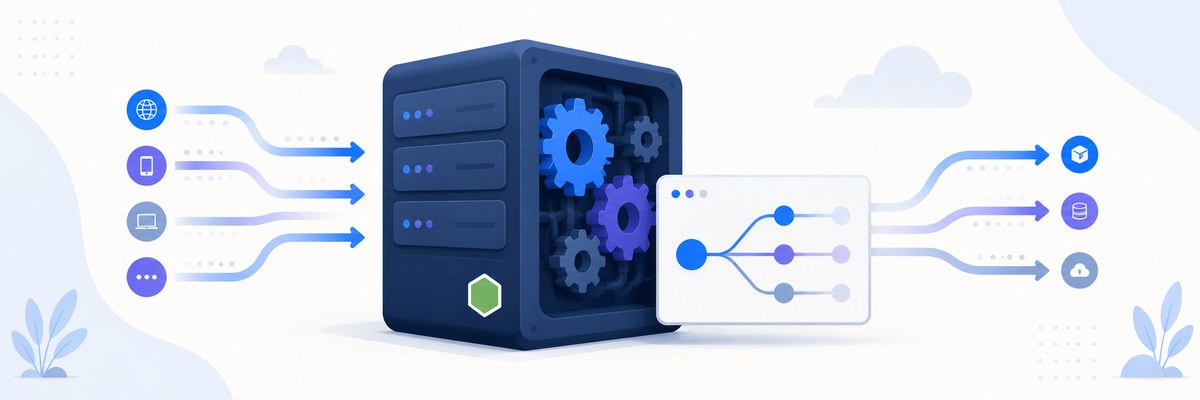
Node.js internals, building RESTful APIs with Express, and request handling.
- Monday: Node.js Fundamentals
- What is Node.js?
- Node.js architecture and event loop
- Core modules (fs, path, http)
- Tuesday: Express.js Basics
- Introduction to Express
- Routing and middleware
- Request and response objects
- Wednesday: RESTful API Design
- REST principles
- HTTP methods and status codes
- API endpoint design
- Thursday: Working with Data
- Handling JSON data
- Query parameters and body parsing
- File uploads with Multer
- Friday: Error Handling and Validation
- Error handling middleware
- Input validation with Express-validator
- Custom error classes
- Weekend Project
- Build a RESTful API for a task management system
Week 8: Databases
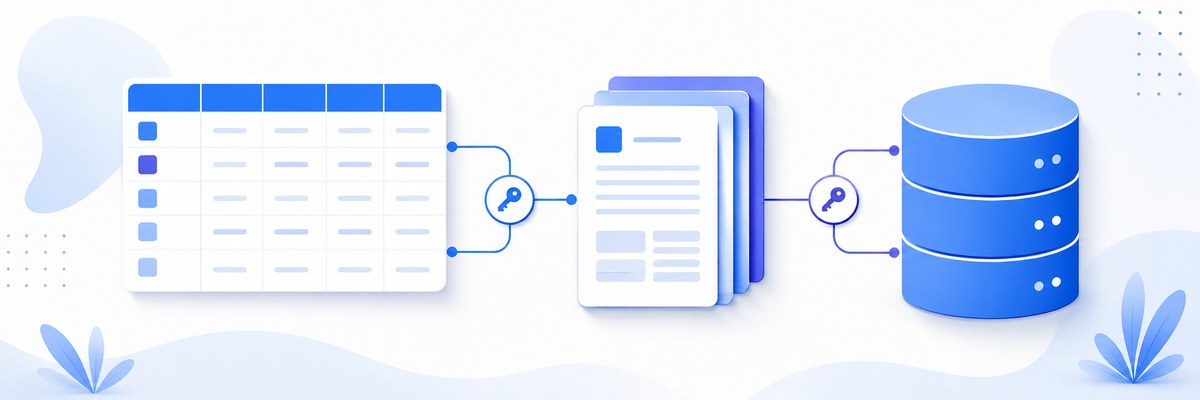
Relational vs NoSQL, PostgreSQL, MongoDB, Mongoose, and migrations.
- Monday: Introduction to Databases
- Relational vs NoSQL databases
- SQL basics
- Database design principles
- Tuesday: PostgreSQL with Node.js
- Setting up PostgreSQL
- Using pg library
- Connection pooling
- Wednesday: MongoDB Basics
- MongoDB concepts
- CRUD operations
- MongoDB Atlas setup
- Thursday: Mongoose ODM
- Mongoose schemas and models
- Validation and middleware
- Population and references
- Friday: Database Migrations and Seeding
- Database migrations concepts
- Using migration tools
- Data seeding strategies
- Weekend Project
- Build a blog API with database integration
Week 9: Authentication & Security

Sessions, JWT, OAuth, password hashing, and web security best practices.
- Monday: Authentication Basics
- Authentication vs authorization
- Password hashing with bcrypt
- User registration flow
- Tuesday: JWT Authentication
- JSON Web Tokens explained
- Implementing JWT auth
- Token refresh strategies
- Wednesday: Session-based Authentication
- Express sessions
- Session stores
- Cookie security
- Thursday: OAuth and Social Login
- OAuth 2.0 flow
- Passport.js strategies
- Implementing social login
- Friday: Security Best Practices
- Common security vulnerabilities
- CORS and CSP
- Rate limiting and DDOS protection
- Weekend Project
- Build a secure authentication system with multiple strategies
Week 10: Full-Stack Integration
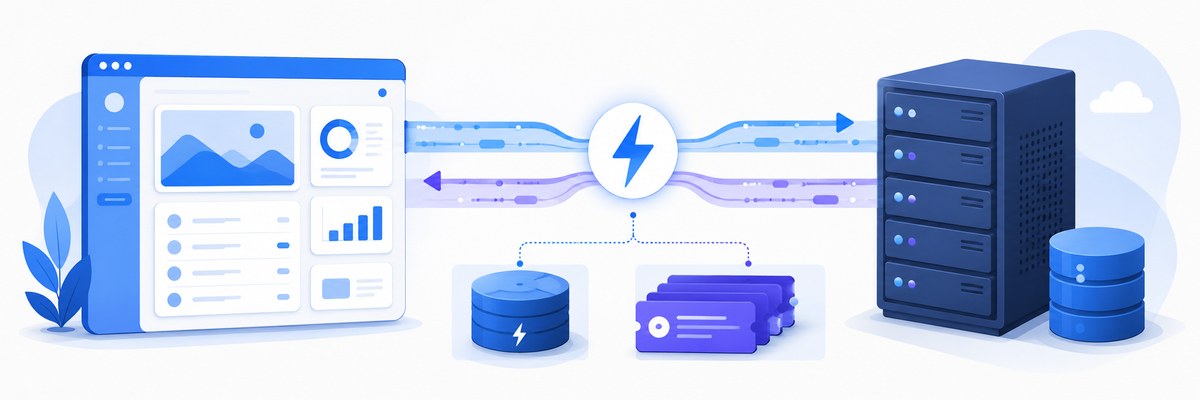
Connecting front to back, real-time features, file handling, caching, and background jobs.
- Monday: Connecting Frontend to Backend
- CORS configuration
- API integration patterns
- Environment variables
- Tuesday: Real-time Features
- WebSocket fundamentals
- Socket.io implementation
- Real-time notifications
- Wednesday: File Handling
- File upload strategies
- Cloud storage integration
- Image processing
- Thursday: Caching Strategies
- Redis fundamentals
- Caching patterns
- Cache invalidation
- Friday: Background Jobs
- Queue systems
- Bull queue implementation
- Scheduled tasks
- Weekend Project
- Build a full-stack social media application
Week 11: Docker & Containers
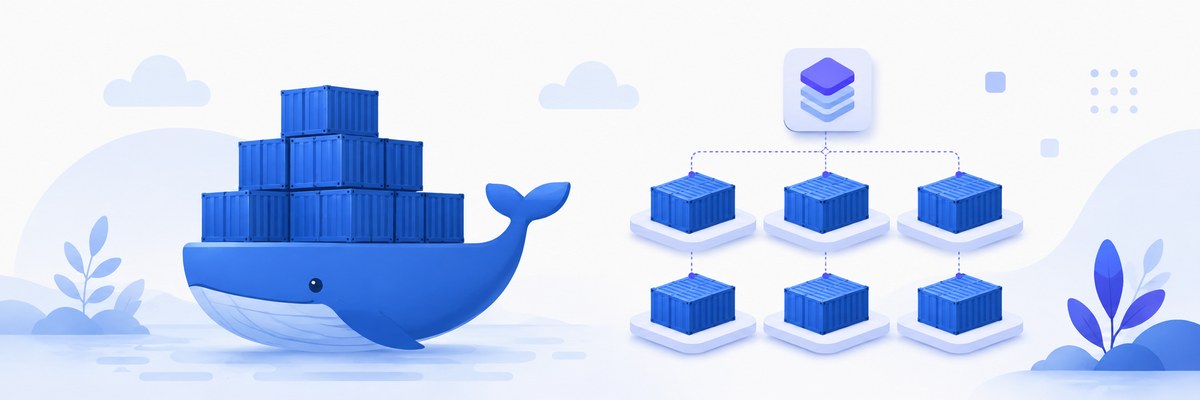
Images, Dockerfiles, Compose, development workflows, and orchestration basics.
- Monday: Docker Fundamentals
- Container concepts
- Docker architecture
- Basic Docker commands
- Tuesday: Creating Docker Images
- Dockerfile syntax
- Multi-stage builds
- Image optimization
- Wednesday: Docker Compose
- Docker Compose basics
- Multi-container applications
- Networking and volumes
- Thursday: Docker for Development
- Development workflows
- Hot reloading in containers
- Debugging containerized apps
- Friday: Container Orchestration Basics
- Introduction to Kubernetes
- Docker Swarm overview
- Container management patterns
- Weekend Project
- Containerize a full-stack application with Docker Compose
Week 12: Testing & CI/CD
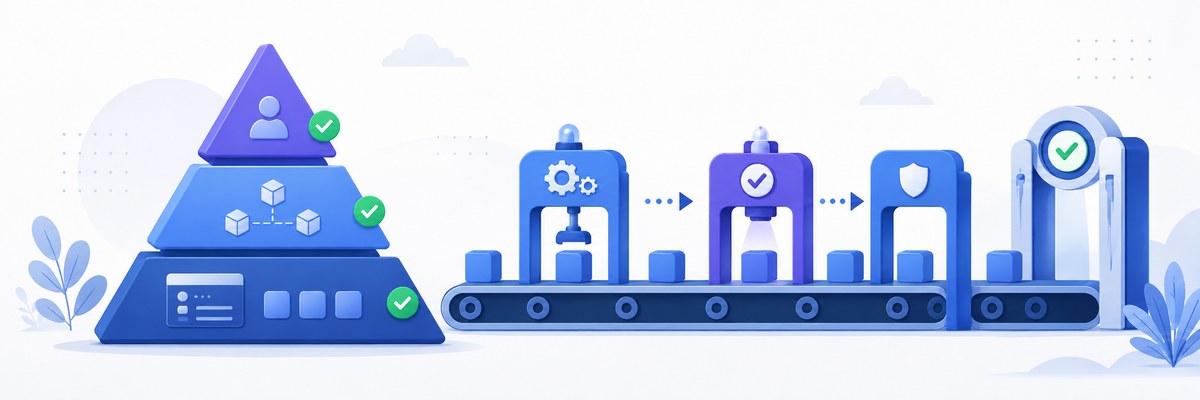
Unit, integration, and end-to-end testing, performance testing, and continuous integration.
- Monday: Unit Testing
- Testing principles
- Jest configuration
- Writing effective unit tests
- Tuesday: Integration Testing
- Integration testing strategies
- Testing API endpoints
- Database testing
- Wednesday: End-to-End Testing
- E2E testing concepts
- Cypress setup and usage
- Writing E2E test scenarios
- Thursday: Performance Testing
- Performance testing tools
- Load testing with Artillery
- Performance optimization
- Friday: Continuous Integration
- CI/CD concepts
- GitHub Actions for CI
- Automated testing pipelines
- Weekend Project
- Implement comprehensive testing for a full-stack application
Week 13: Cloud & Deployment

Cloud platforms, deployment strategies, infrastructure as code, and monitoring.
- Monday: Cloud Platforms Overview
- AWS, Azure, and GCP comparison
- Cloud services for web apps
- Cost optimization strategies
- Tuesday: Deployment Strategies
- Blue-green deployment
- Canary releases
- Rolling updates
- Wednesday: Infrastructure as Code
- IaC concepts
- Terraform basics
- AWS CloudFormation
- Thursday: Monitoring and Logging
- Application monitoring
- Log aggregation
- Alerting systems
- Friday: Production Deployment
- Production checklist
- SSL certificates
- Domain configuration
- Weekend Project
- Deploy and monitor a full-stack application
Week 14: Advanced Architecture
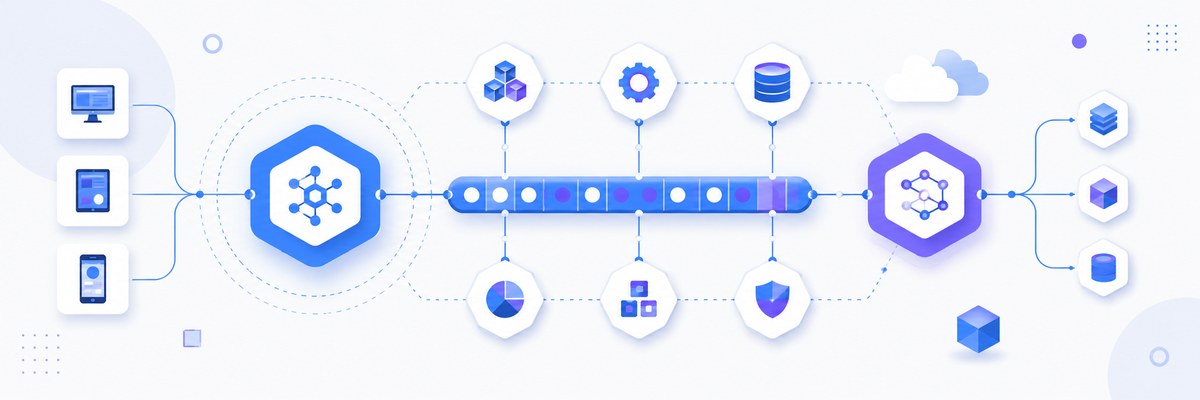
Microservices, message queues, GraphQL, Progressive Web Apps, and WebAssembly.
- Monday: Microservices Architecture
- Microservices principles
- Service communication patterns
- API gateways
- Tuesday: Message Queues
- Message queue concepts
- RabbitMQ basics
- Event-driven architecture
- Wednesday: GraphQL
- GraphQL vs REST
- Apollo Server setup
- Queries and mutations
- Thursday: Progressive Web Apps
- PWA principles
- Service workers
- Offline functionality
- Friday: WebAssembly Basics
- WebAssembly concepts
- Using WASM in web apps
- Performance considerations
- Weekend Project
- Build a microservices-based application
✅ Prerequisites
You can start this course as a complete beginner. To get the most out of it you should have:
- Basic comfort using a computer and installing software
- Curiosity and willingness to practice — coding is a hands-on skill
- No prior programming experience required; Week 1 starts from zero
Required Software
- A modern web browser (Chrome, Firefox, or Edge)
- A code editor — we use VS Code (installed in Week 1)
- Node.js (LTS) and Git — set up as the course progresses
🧰 Reference & Extra Tutorials
Standalone guides you can dip into any time — the command line, Git, Docker, and more.
- Command Line Interface (CLI) Tutorial
- Docker with Express and SQLite3 Tutorial
- Docker and Web Development: A Developer's Journey
- Git and GitHub Sync Issues: Understanding and Resolving Mismatches
- HTML Files Index
- Advanced File Structures and Path Navigation
- Basic Git Commands & Pushing to GitHub
- Basic Git Commands & Pushing to GitHub
- Git & GitHub: Your Code's Time Machine
- Mastering GitHub Copilot: Advanced AI Pair Programming
- Learning Mermaid: A Complete Tutorial for Diagram Creation
- Ubuntu Command Line Interface: A Complete Tutorial